New Quick Search and New Touch Screen Navigation
This is UI overhaul weekend. Here are the changes since my last post.
Quick Search
You can now search anywhere. Press '.', on any screen, and the quick search opens:
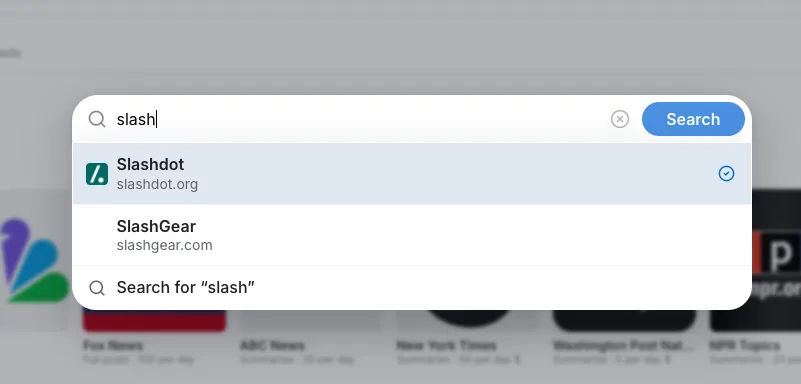
Enter the name of one of your feeds, press 'Return', and you will jump right there. This is possible with any feed, even those you don't subscribe to yet.
For users who do not or cannot use keyboard shortcuts, it's also on the home page and other pages:
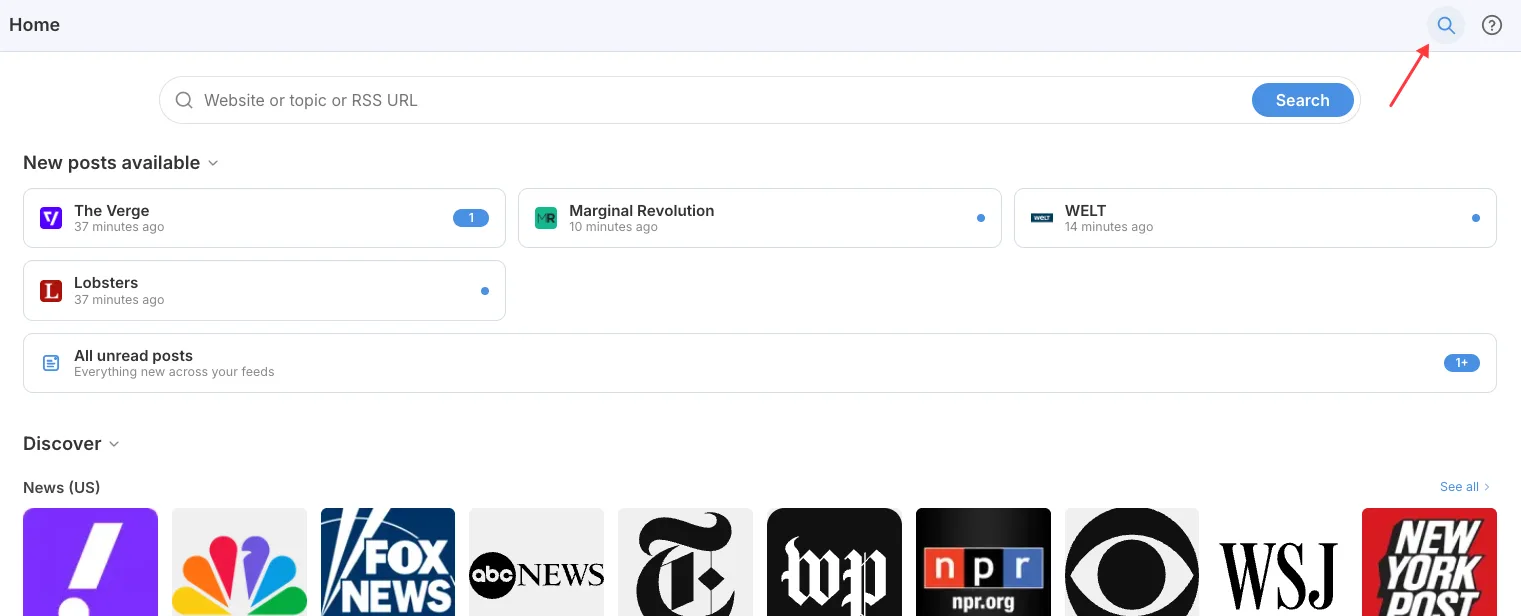
Just click the search button at the top to get it.
Improved Buttons and Touch Screen Navigation
Also new: an improved, always-present footer for touchscreen devices.
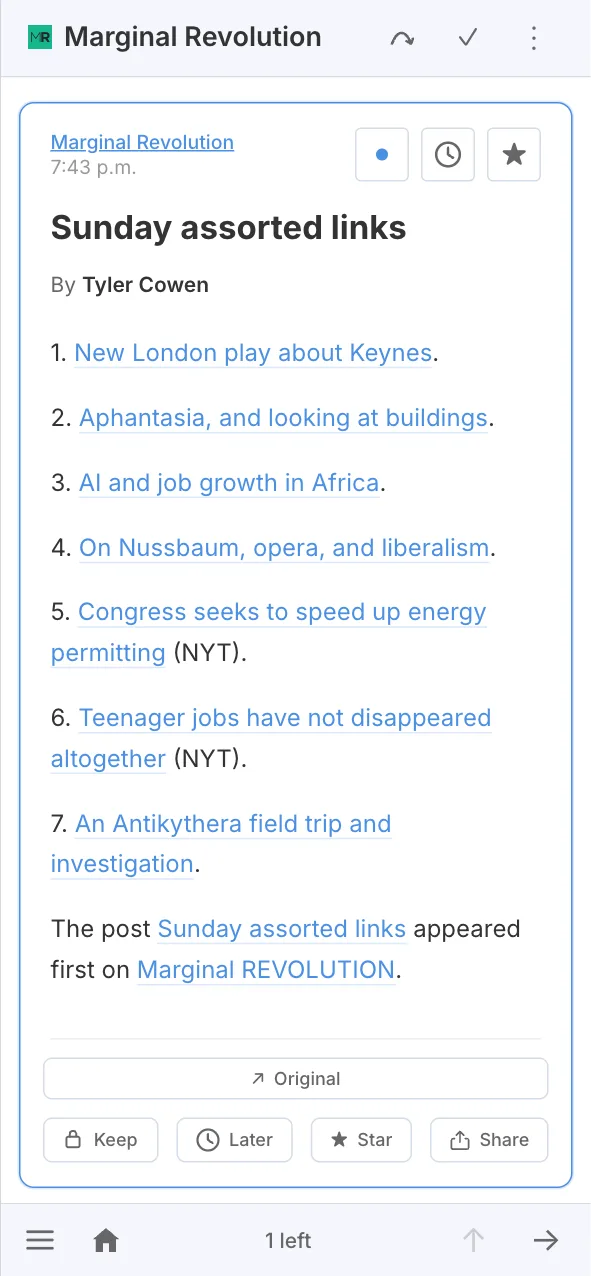
The new footer is far more consistent than the previous solution; the home page is always one click away, and, I hope, the menu (hamburger) button is easier to reach.
You can also see the new button design on the screenshot. Toolbar buttons are frameless now.